

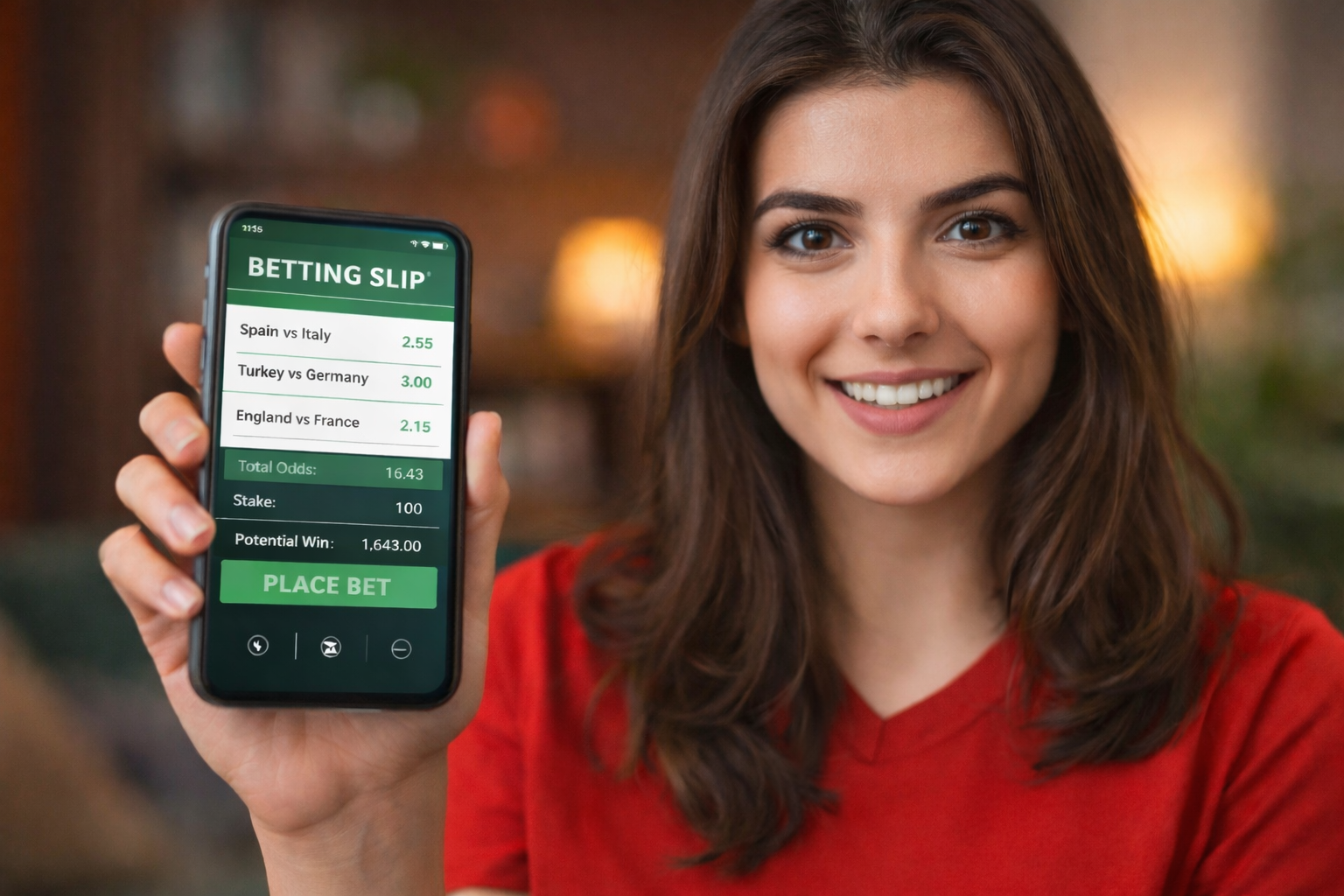
Three selections. Combined odds at 4.80. Confirm button under your thumb. Then nothing. Empty betslip. Match ticker shows the 77th minute. Phone buzzes with a corner kick notification. That corner you saw on screen eight seconds ago.
The ticket didn't glitch. The market moved faster than your finger. Here's how to stop that from happening.
Know the Delay Between Your Screen and the Stadium
TV feeds run five to fifteen seconds behind the actual ball. Stadium data feeds run in real time. The pricing algorithm saw that corner before your screen did. By the time you tapped, the market had already locked, recalculated, and reopened with different numbers.
Punters tracking patterns through bizbet giris learn to read the signs. Nothing happens on screen, then odds jump. Somebody in the stadium saw something you won't see for another ten seconds. Video review. Injury. Penalty appeal. The algorithm doesn't wait for the director to cut the camera.
Wait Out the Suspension Instead of Rebuilding
That red "suspended" label looks like a death sentence for your ticket. It rarely is. Selections stay frozen, not deleted, while the platform recalculates.
The trap is rebuilding too fast. That total goals selection you locked in? Gone from 1.90 to 1.35 while you waited. Take the worse price or lose the pick entirely.
My mate Darren lost a four-leg accumulator this way during a European cup match last November. "Penalty given, market locked for twenty seconds. Came back at garbage odds. By the time I tried to rebuild, two more selections had shifted. Ended up placing nothing."
Suspension windows typically last ten to sixty seconds. Long enough to lose patience. Short enough that you might not notice the price changed underneath you. Wait it out.
Learn From High-Traffic Nights
Some nights, the volume breaks everything.
Liverpool versus Barcelona. Second leg. Continental semifinal. Aggregate 3-0 to Barcelona before kickoff. Origi scores in the 7th minute. Wijnaldum, off the bench, twice. 54th minute. 56th minute. Two goals in two minutes from a substitute nobody expected to start.
Then Alexander-Arnold spots Barcelona sleeping at a corner. Quick pass. Origi again. 4-0. Aggregate flipped.
Traffic that night hit four times normal European match volume. Odds refreshed twelve times per minute during the second half. Before kickoff, backing Liverpool to qualify paid 25.00. Eighty minutes later the same bet paid 1.01.
One punter described tapping confirm eleven times on the same pick. Every single attempt showed "odds no longer available." The apps ran fine. Events simply outpaced the interface.
On nights like this, switch to single bets. Accumulators fall apart when every leg moves independently.
Set Your Odds Acceptance Before Kickoff
Somewhere in your account preferences, buried under notifications and deposit limits, there's a toggle labelled "Accept odds changes." Three options, three outcomes.
Accept all changes means speed over value. Bet goes through even if price drops during confirmation. You wanted 2.20, you might get 1.65. No popup.
Accept higher odds only gives you balance. Price improves, automatic confirmation. Price drops, system waits for your approval. Most regulars leave this one on.
Accept no changes means any movement halts the bet. Works during quiet stretches. Falls apart in the 87th minute when odds bounce every three seconds.
Check this setting before the match starts. Changing it mid-game wastes seconds you don't have.
Watch for These Five Ticket Killers
Tuesday night. Kitchen table. Work laptop open, match stream running, phone in hand with the betslip loaded.
Combined odds show 5.40. Goal kick taken on screen. Data feed already registered the attack that follows. Market suspends before the tap lands. Reopens at 4.10.
Betslip panel collapses switching from match result to corners market. Two picks pending. Coming back, one remains. The other expired during the six-second navigation.
Connection drops for four seconds between rooms. App reconnects. Betslip blank. Full signal showing again.
Eighty-ninth minute. Substitute warming up. User taps confirm. "Odds changed." Accepts new odds. Taps again. "Odds changed." Three attempts before it goes through at 0.15 worse than original.
Phone battery at six percent. Screen dims. Low-power mode kicks in. The confirm tap registers half a second late. Market already moved.
Keep Your Mobile Setup Clean
Seventy percent of live betting runs through phones now. Smaller screens create problems nobody mentions until you've lost a ticket.
Betslip panels collapse by default. After adding a selection, check the icon counter before switching markets. That number confirms the pick registered. Skip the check and you're guessing.
Switching from wireless to mobile data mid-session can wipe betslip contents without warning. Pick one connection, stay on it.
After running through the bizbet apk indir setup, take thirty seconds in notification settings. Enable alerts for odds changes and market suspensions. Knowing your ticket got hit beats finding out after the final whistle.
Place Bets During Dead Ball Moments
Every rejected bet teaches something. Which markets lock fastest? Which minutes trigger suspensions?
Main markets like match result and total goals move slower than exotic props. First goalscorer and corner counts swing hard because fewer people bet them, meaning each wager pushes the line further.
Natural breaks give you windows. Corner setups. Throw-ins. Injury treatment. Substitution windows. Odds stabilize during dead ball situations. Placing bets then cuts rejection rates by half.
Pay attention long enough and you start predicting suspensions before they hit. That instinct keeps tickets alive while everyone else rebuilds from scratch.
Discussions (0)